Stop Lag and Dropouts: Wire Up Your Office for Rock-Solid NBN Speeds

What this fixes for you
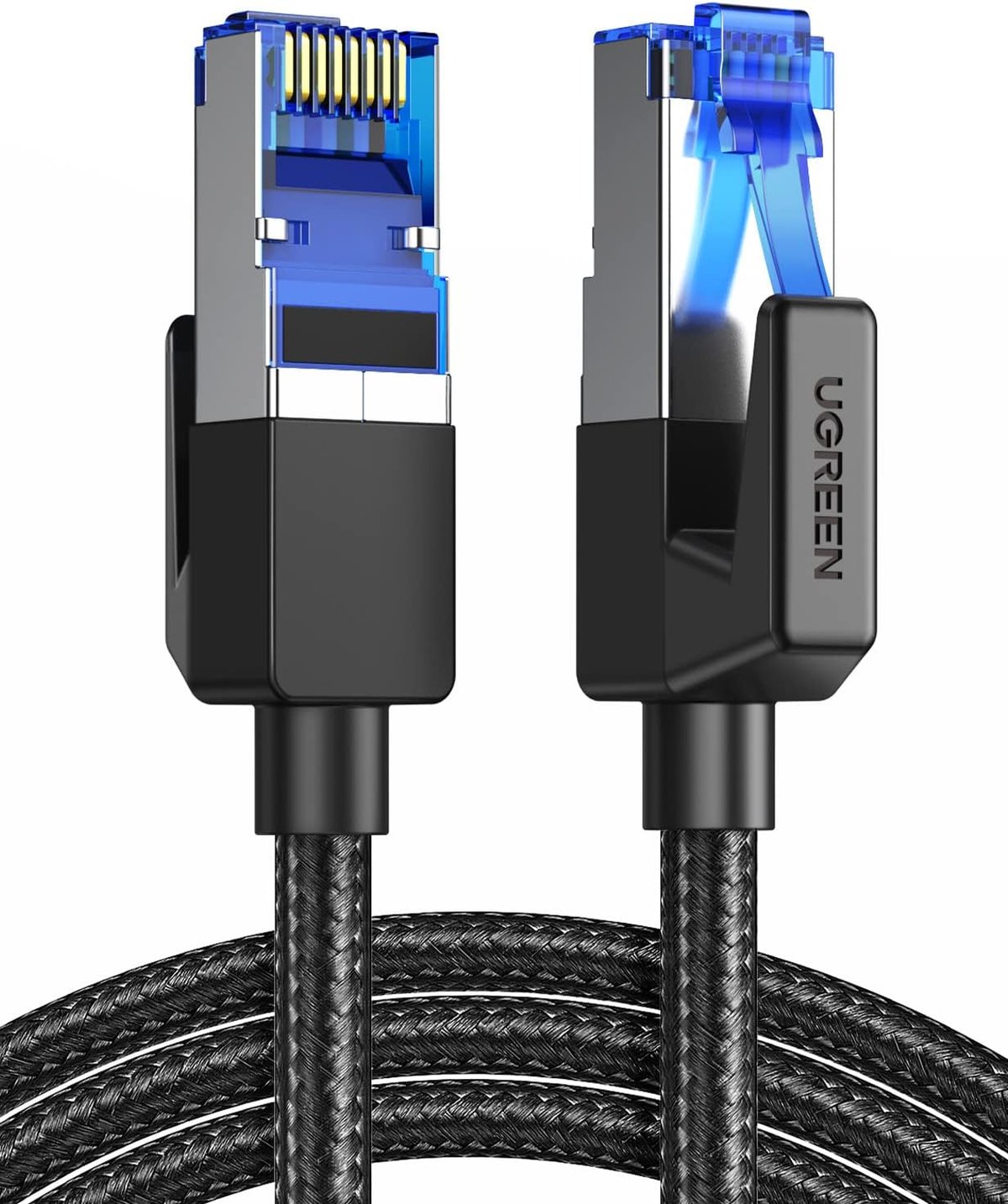
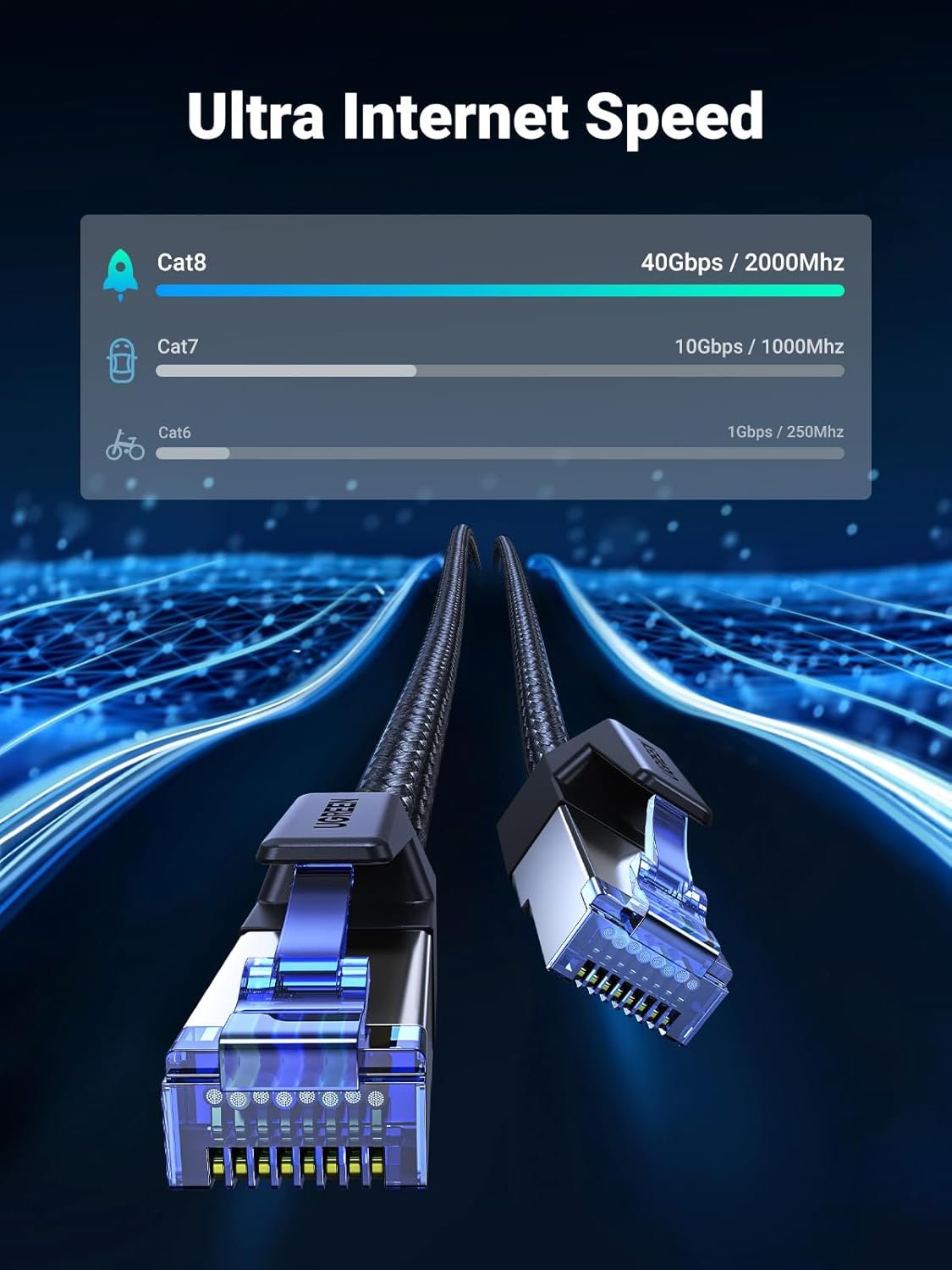
If you're running a small business from a home office or shed, or you've set up a site office with networking gear, you've probably experienced the frustration of dodgy connections, slow file transfers, or laggy video calls. Wi-Fi drops out at the worst times, and cheap ethernet cables can actually bottleneck your internet speed—especially if you're paying for NBN 100 or faster. This UGREEN CAT 8 cable delivers up to 40Gbps throughput and 2000MHz bandwidth, which is overkill for most current connections but means the cable won't be your weak link. The braided shielding helps reduce interference from nearby power cables and equipment—handy in a workshop environment where angle grinders and compressors create electrical noise.
Before first use
- Inspect the cable and connectors for any shipping damage—bent pins or crushed RJ45 heads will cause connection dropouts
- Check that your router, switch, or network card has gigabit or faster ports (most modern gear does, but older equipment may only support 100Mbps)
- Measure your actual cable run before committing—this is a 1-metre cable, so it's suited for desktop-to-router connections, not room-to-room runs
- If you're connecting to a managed switch or business router, confirm your network settings don't require MAC address registration or port configuration
- Have a second device ready to test the connection (laptop, gaming console, or another PC) in case your primary device has a faulty network port
First-time setup
- Power off your modem/router and the device you're connecting—this prevents any negotiation issues during initial handshake
- Plug one end of the cable firmly into your router or switch's LAN port until you hear a click from the RJ45 clip
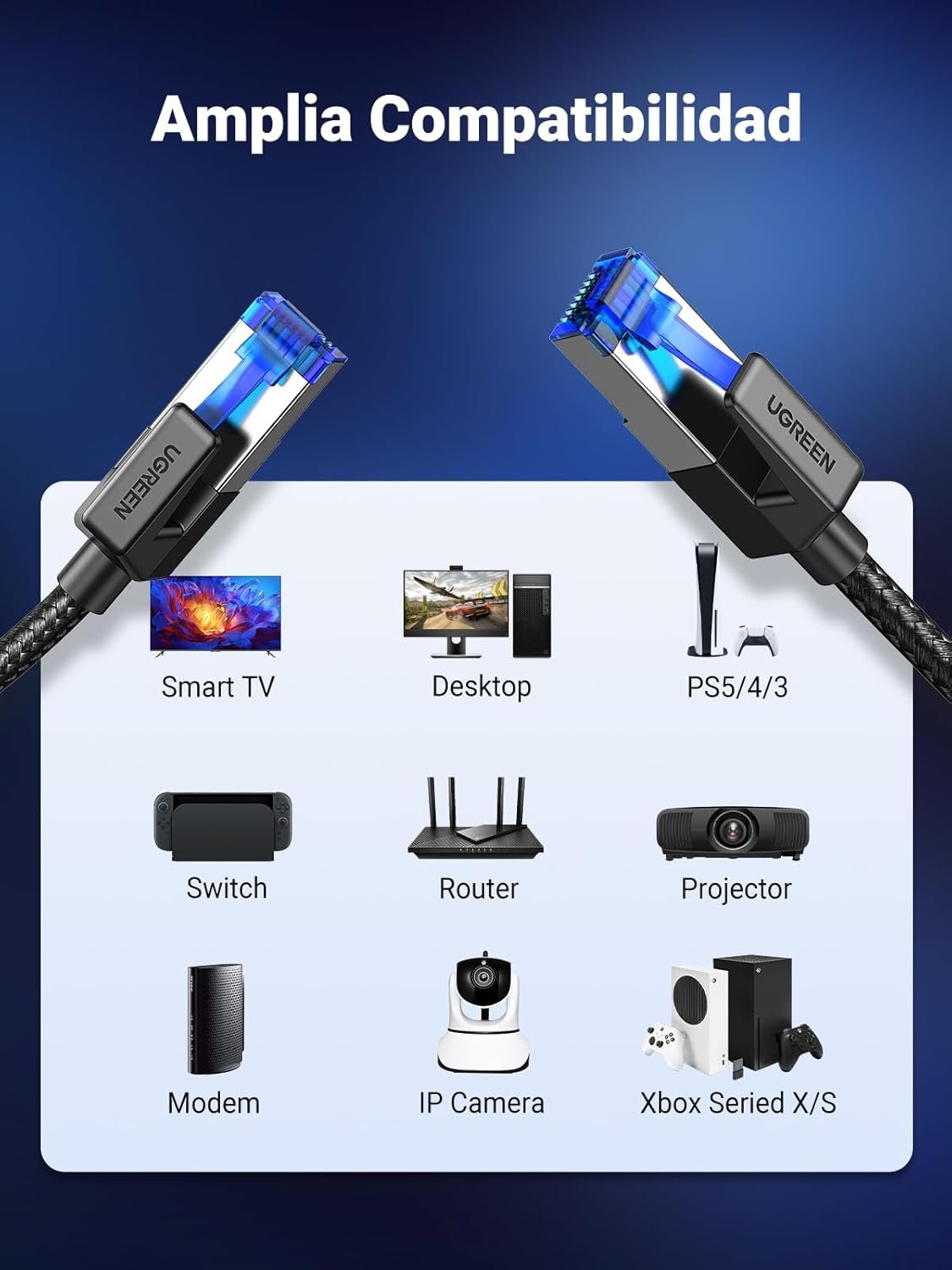
- Connect the other end to your computer, NAS, gaming console, or WiFi extender in the same way
- Power on the router first and wait 60 seconds for it to fully boot
- Power on your connected device and check for the network connection indicator (usually a solid or blinking light near the ethernet port)
- Run a speed test at speedtest.net or fast.com to confirm you're getting close to your plan's rated speed
- If the connection isn't detected, try a different LAN port on your router before assuming the cable is faulty
Daily-driver tips
- Route away from power cables: The F/FTP shielding reduces interference, but running parallel to 240V cables for long stretches can still introduce noise—cross power cables at right angles where possible
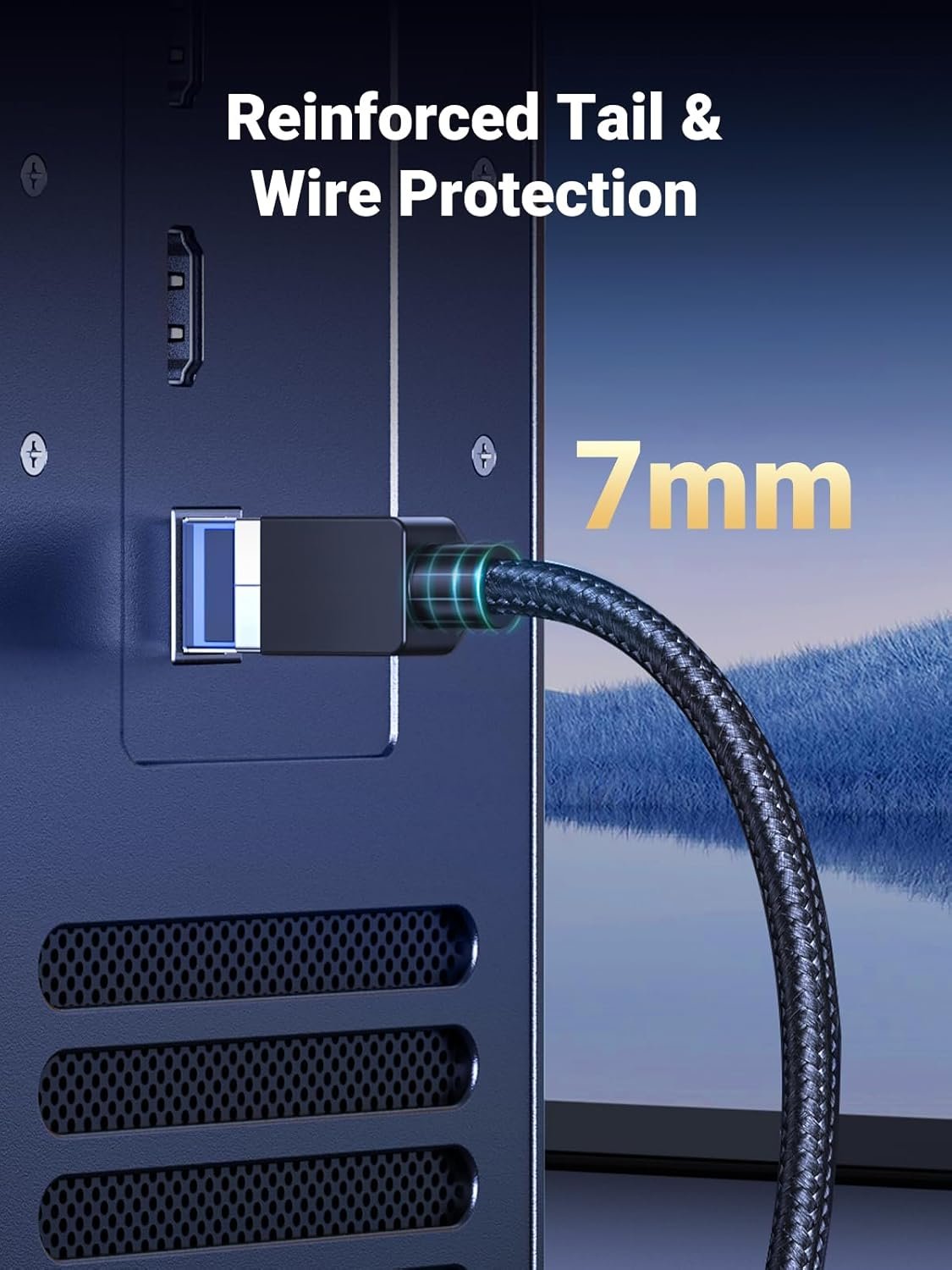
- Don't over-bend: CAT 8 cables are stiffer than cheaper alternatives due to the shielding layers. Keep bend radius above 25mm to avoid damaging internal conductors
- Use the clip protector: The RJ45 clips are the most failure-prone part of any ethernet cable. If yours has a boot or clip protector, leave it in place rather than trimming it off
- Label both ends: If you're running multiple cables in an office or comms cabinet, use a label maker or even masking tape to mark where each cable goes—saves troubleshooting time later
- Test after moving furniture: If you shift desks or equipment, re-run a speed test. Cables that get kinked or pinched under furniture legs can fail intermittently
Common pitfalls
- Expecting 40Gbps on consumer gear: Your NBN connection and most home routers max out at 1Gbps. The CAT 8 spec provides headroom and better shielding, not magic speed improvements beyond your hardware's limits
- Using this cable outdoors: The braided jacket offers some abrasion resistance but isn't UV-rated or waterproof. For outdoor runs or conduit exposed to weather, you'll need outdoor-rated cable
- Forcing bent connectors: If the RJ45 plug doesn't slide in smoothly, don't force it—you'll damage both the cable and the port. Check for debris or bent pins first
- Running near high-interference equipment: Welders, VFD motor drives, and fluorescent ballasts can overwhelm even shielded cables. In workshops with heavy electrical equipment, consider running ethernet through metal conduit or switching to fibre for critical links
Maintenance and longevity
Ethernet cables are largely set-and-forget, but a few habits extend their life. Periodically check the RJ45 clips—if they've cracked or no longer click into place, the cable can work loose and cause intermittent dropouts. Dust buildup in ports can also cause issues; a quick blast of compressed air into your router and device ports once or twice a year helps maintain solid contact.
The braided outer jacket on this UGREEN cable resists abrasion better than standard PVC, but it's not immune to damage. If the cable runs under a chair or across a high-traffic area, consider a cable cover or routing it along the skirting board. Cables that get repeatedly rolled over or stepped on will eventually fail internally even if the outside looks fine.
When to upgrade or replace
Replace the cable if you notice intermittent connection drops that aren't fixed by reseating the plugs, or if speed tests show significantly lower results than your plan's rated speed (and you've ruled out router and ISP issues). If you're expanding to a larger office, upgrading your NBN plan beyond 1Gbps, or running cables through walls, it's worth investing in pre-terminated bulk cable or professional installation rather than relying on short patch cables. For runs over 3–5 metres in a permanent setup, consider upgrading to longer single-run cables rather than daisy-chaining short ones with couplers—every connection point is a potential failure point.