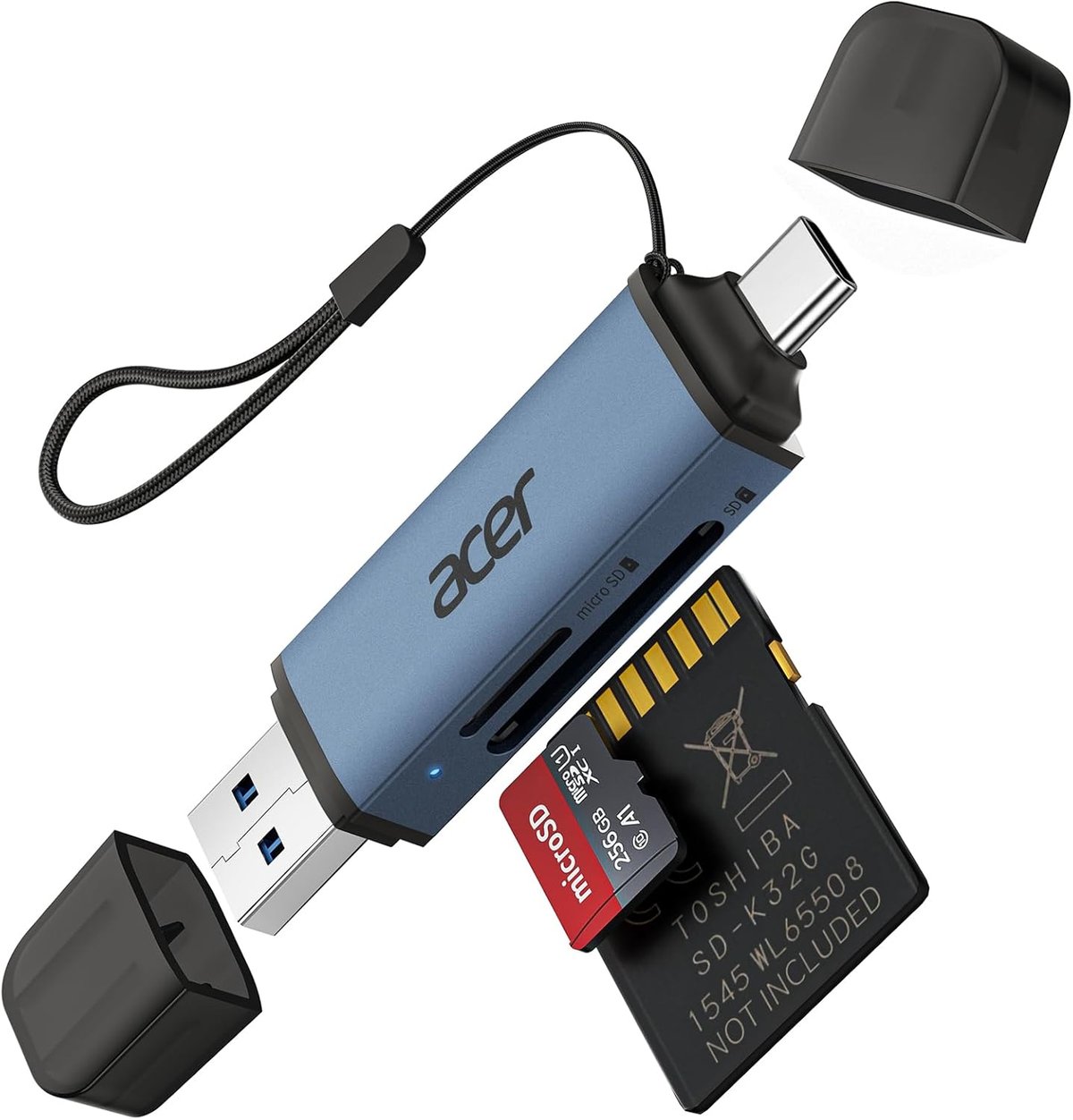
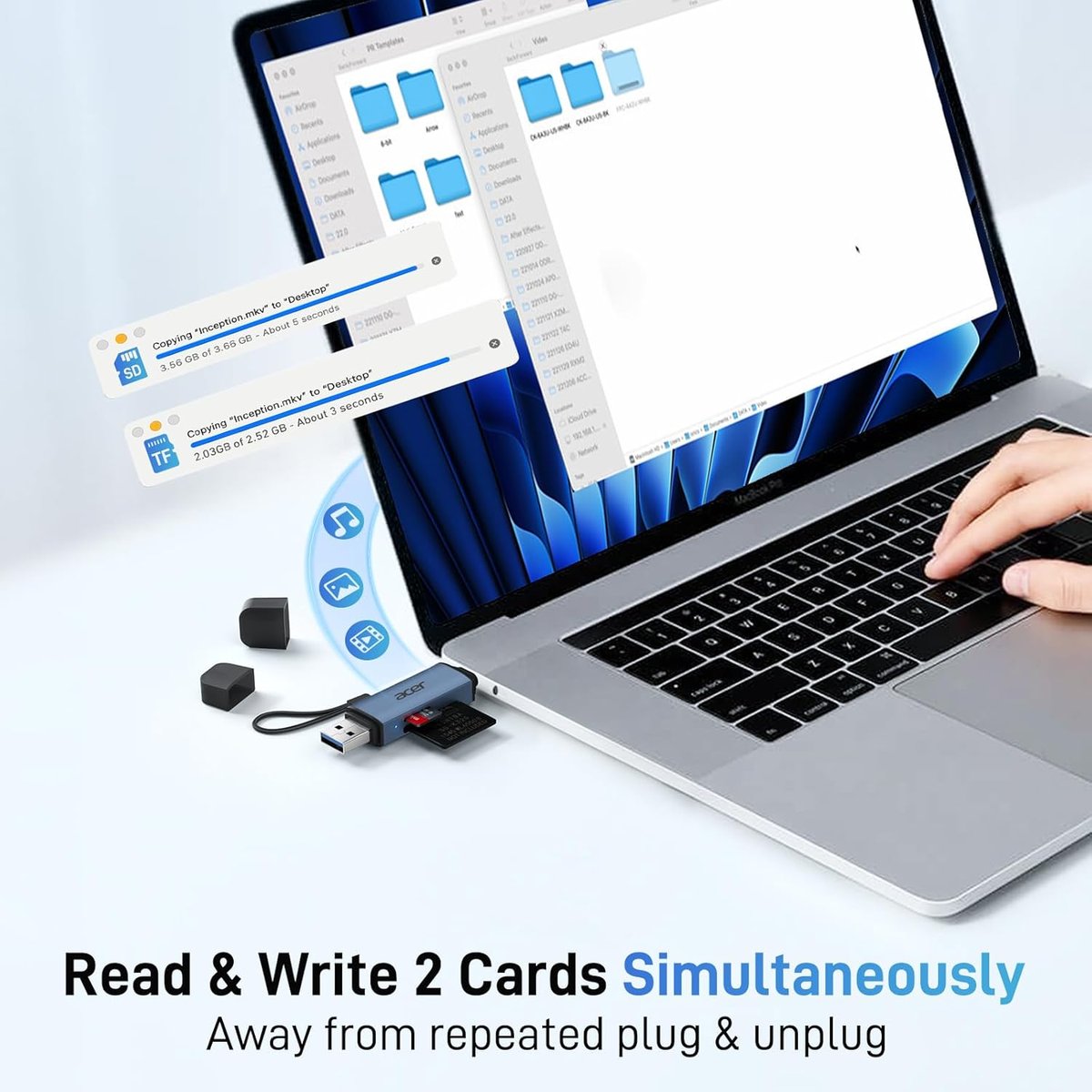
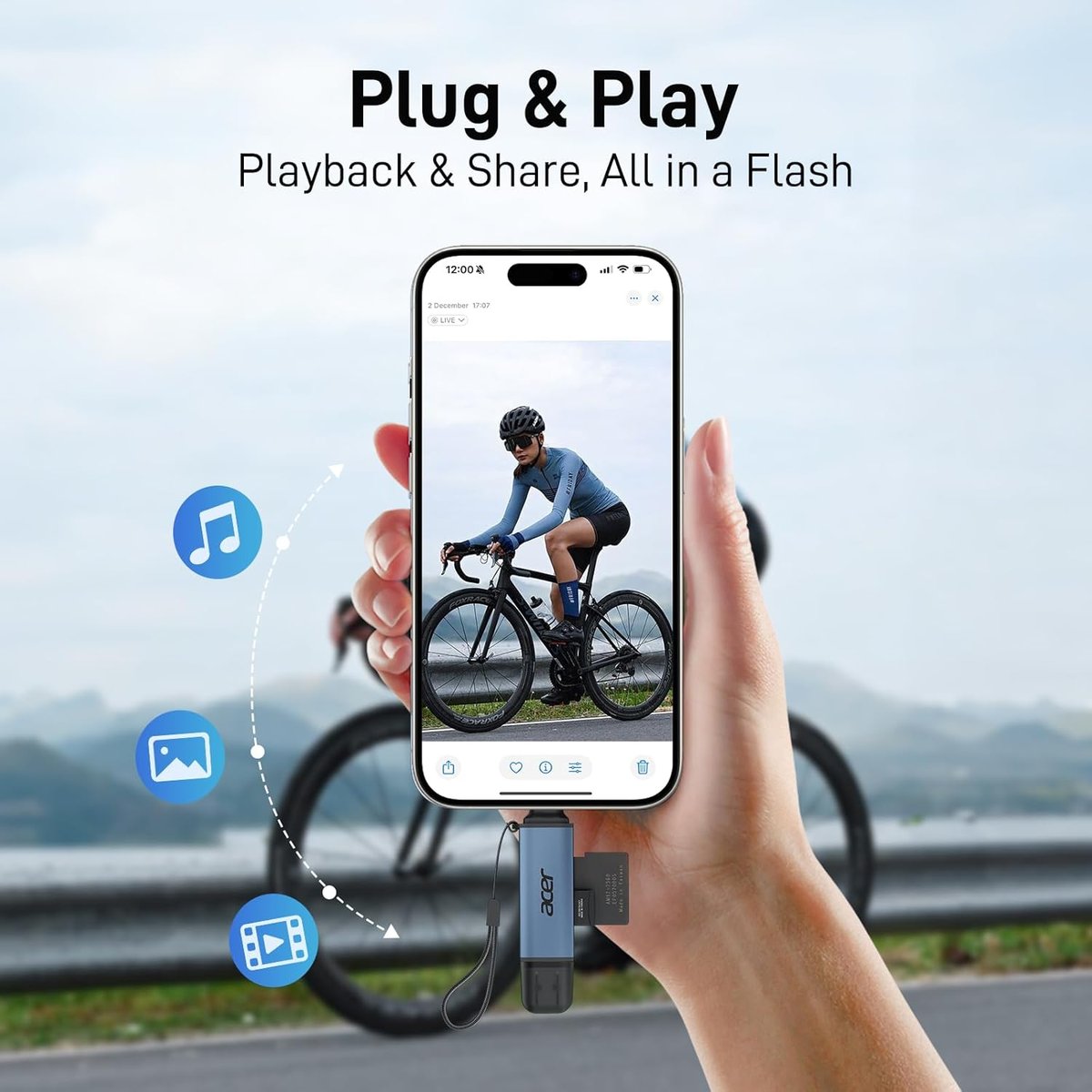
Acer SD Card Reader, USB 3.0 & Type-C Micro SD Card Adapter Dual Slot OTG Memory Card Reader for MicroSD SDHC SDXC, Compatible with Laptop, PC, iPhone 16/15, MacBook Pro/Air, iPad Pro, Android Blue — Alternatives & Comparison
Why look at alternatives?
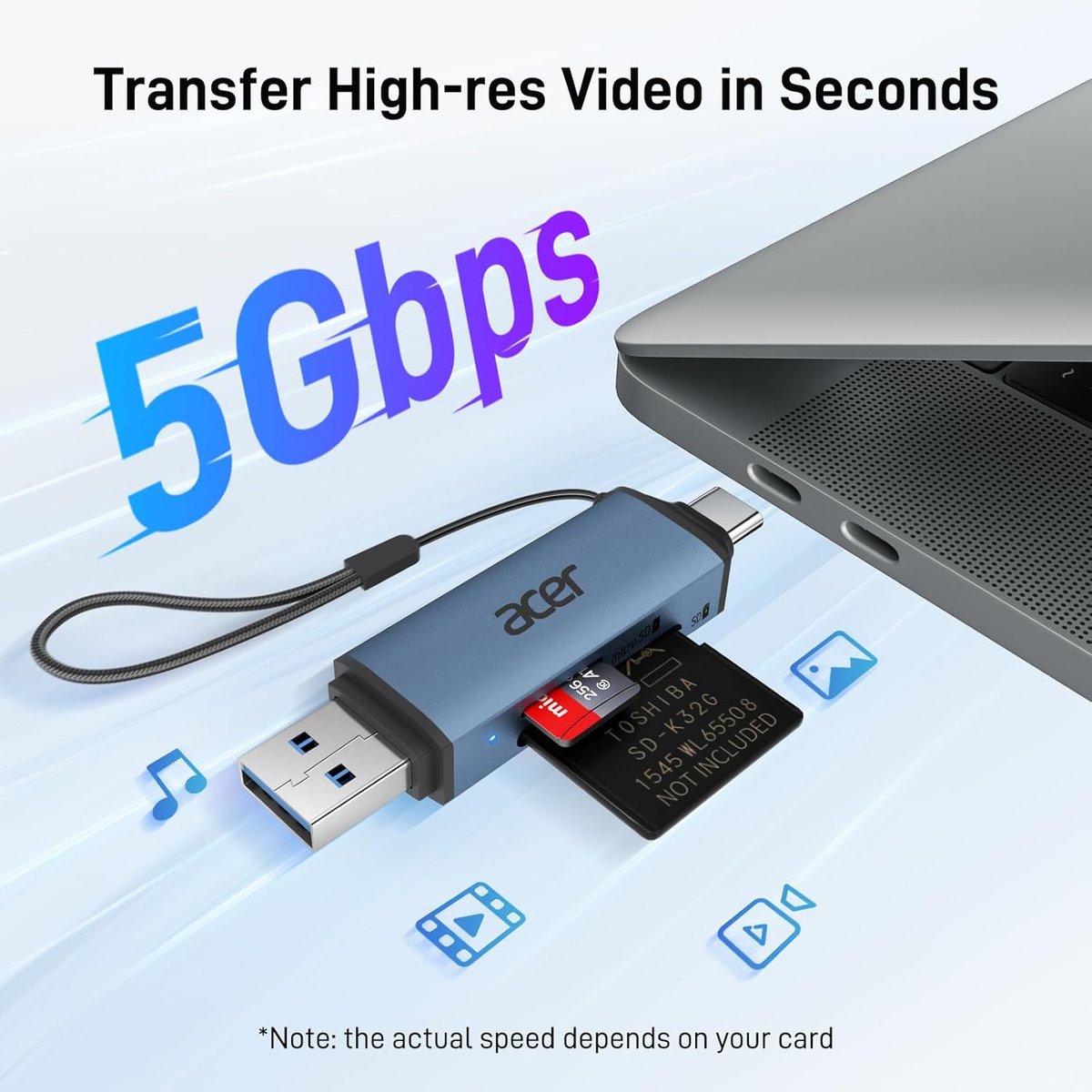
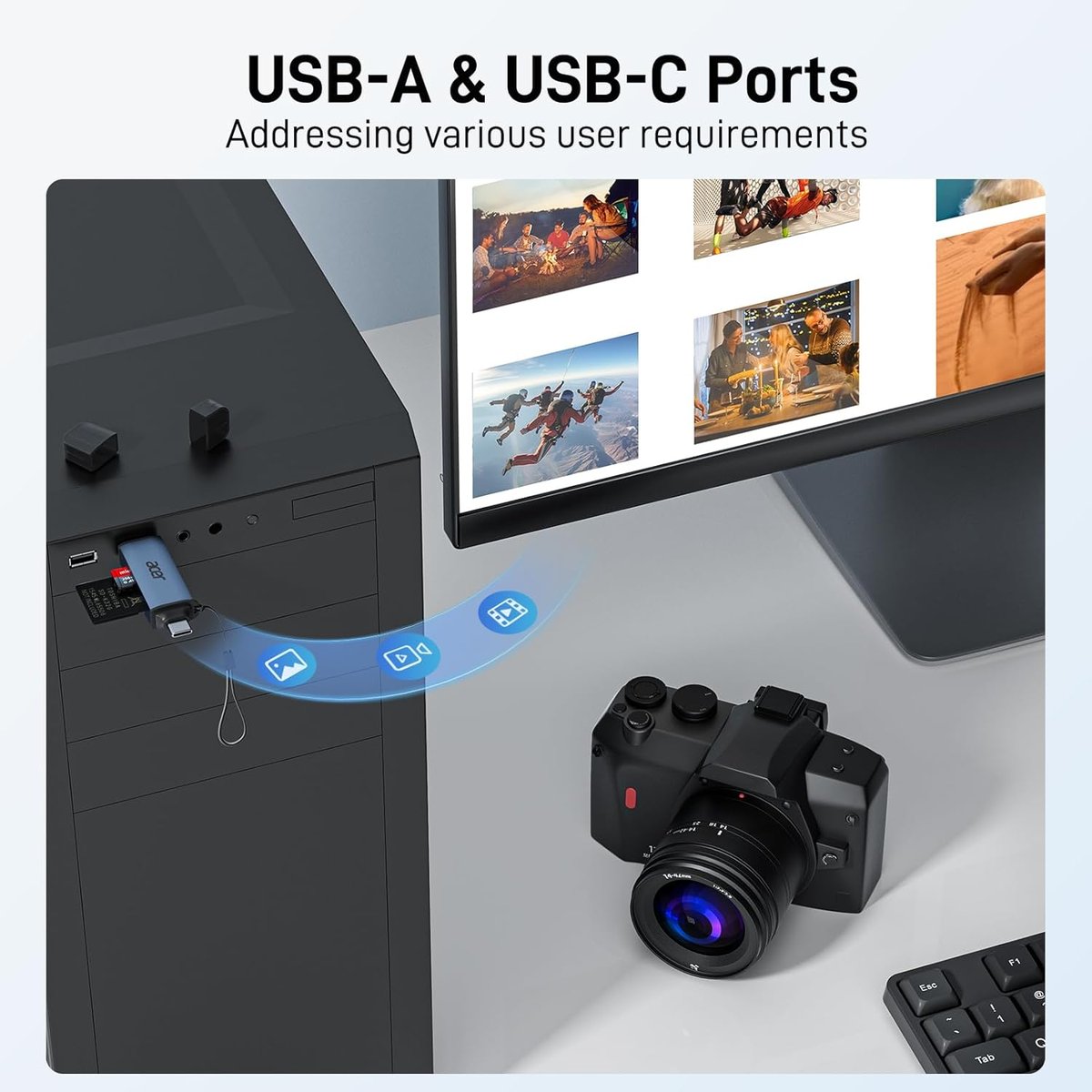
The Acer dual-slot SD card reader is a solid, affordable option for transferring photos, documents, and footage between devices. At around $19, it ticks the basics: USB 3.0 speeds, USB-C and USB-A compatibility, and support for SD and microSD cards. But it may not suit every situation. If you're regularly pulling 4K drone footage off high-capacity cards, you might want faster transfer speeds. If you need CF Express or CompactFlash support for older equipment, this reader won't help. And if you're after a rugged option that can handle dust, moisture, or getting knocked around in a toolbox, you may want something more robust. Here are four alternatives worth considering.
Alternative 1: Budget USB-A only card reader
If you only need to plug into a laptop or desktop with traditional USB-A ports, a simpler single-connector card reader can save you a few dollars and reduce bulk. Brands like Kingston, SanDisk, and various generic options offer USB 3.0 SD readers in the $10–$15 range. These typically support SD, SDHC, and SDXC cards, though some skip the microSD slot.
When to choose it
- Your devices all have USB-A ports — no need for USB-C
- You want the smallest, lightest option for a laptop bag
- Budget is tight and you're only transferring documents or photos occasionally
The tradeoff
You lose USB-C compatibility, which matters if you're using a newer MacBook, iPad Pro, or Android phone for on-site work. If your laptop only has USB-C ports, you'll need a separate adapter, which defeats the purpose.
Alternative 2: Premium multi-format card reader with UHS-II support
For tradies or small business owners who work with high-resolution video — site documentation, marketing content, drone surveys — a reader with UHS-II support can dramatically cut transfer times. Products from SanDisk, Kingston, and Lexar in the $40–$70 range typically offer speeds up to 312MB/s, compared to the 104MB/s ceiling of UHS-I readers. Some also include slots for CompactFlash or CF Express cards.
When to choose it
- You regularly transfer 64GB+ of 4K video footage
- You use UHS-II cards and want to get full speed from them
- You need to support multiple card formats from different cameras or drones
The tradeoff
You're paying three to four times more than the Acer reader. If you're only moving a few hundred megabytes of site photos or scanned receipts, you won't notice the speed difference. UHS-II readers are also typically larger, which may matter if you're carrying them in a pocket.
Alternative 3: USB hub with built-in card reader
If your laptop is short on ports — common with modern MacBooks and ultrabooks — a USB-C hub that includes an SD card slot alongside USB-A ports, HDMI output, and sometimes Ethernet can be more practical than carrying separate accessories. Anker, Ugreen, and similar brands offer these in the $50–$100 range.
When to choose it
- You need to connect multiple peripherals: mouse, external drive, monitor, and card reader
- You want one device in your bag instead of several dongles
- You often present from a laptop and need HDMI at the same time as card access
The tradeoff
Hubs are bulkier and more expensive. The card reader slot is often an afterthought, with slower speeds than a dedicated reader. If the hub fails, you lose multiple functions at once. And if you only need to read cards occasionally, you're carrying extra weight for features you don't use.
Alternative 4: Rugged or weather-resistant card reader
On building sites, in workshops, or out in the field, electronics take a beating. A few manufacturers offer card readers with rubberised housings, dust covers, or water-resistant ratings. These are harder to find and typically cost $25–$40, but they're worth considering if your gear lives in a ute or toolbox rather than an office drawer.
When to choose it
- Your work environment is dusty, wet, or rough on equipment
- You've had standard card readers fail from physical damage
- Reliability matters more than saving ten dollars
The tradeoff
Selection is limited, and you may pay more for what's essentially the same internal components in a tougher shell. If you're careful with your gear or keep it in a protective case, a standard reader like the Acer will last just as long.
Side-by-side comparison
| Option | Best for | Typical price (AUD) | Watch out for |
|---|---|---|---|
| Acer Dual-Slot USB 3.0 / USB-C Reader | General use across multiple device types | $19–$20 | UHS-I speeds only; no CF or CF Express support |
| Budget USB-A only reader | Basic transfers on older laptops/desktops | $10–$15 | No USB-C; may lack microSD slot |
| Premium UHS-II multi-format reader | High-volume video work, professional cameras | $40–$70 | Overkill and overpriced for simple document transfers |
| USB-C hub with card reader | Port-limited laptops needing multiple connections | $50–$100 | Bulkier; card reader often slower than dedicated unit |
| Rugged/weather-resistant reader | Harsh job-site environments | $25–$40 | Limited availability; may still have basic internal specs |
Our pick for most tradies and small businesses
For the majority of Australian tradies and small business owners, the Acer dual-slot reader hits the sweet spot. It handles both SD and microSD cards, works with USB-A and USB-C devices, and costs under $20. If you're transferring site photos, receipts, or documents, you won't notice the speed difference compared to premium readers. However, if you're regularly moving large video files from a drone or action camera, spend the extra on a UHS-II reader — the time savings add up. And if your gear lives in a toolbox or the back of a ute, consider a rugged option to avoid replacing readers every few months. For everyone else, the Acer does the job without fuss.