Free Up Desk Space: Best Vertical Laptop Stands Compared
Why look at alternatives?
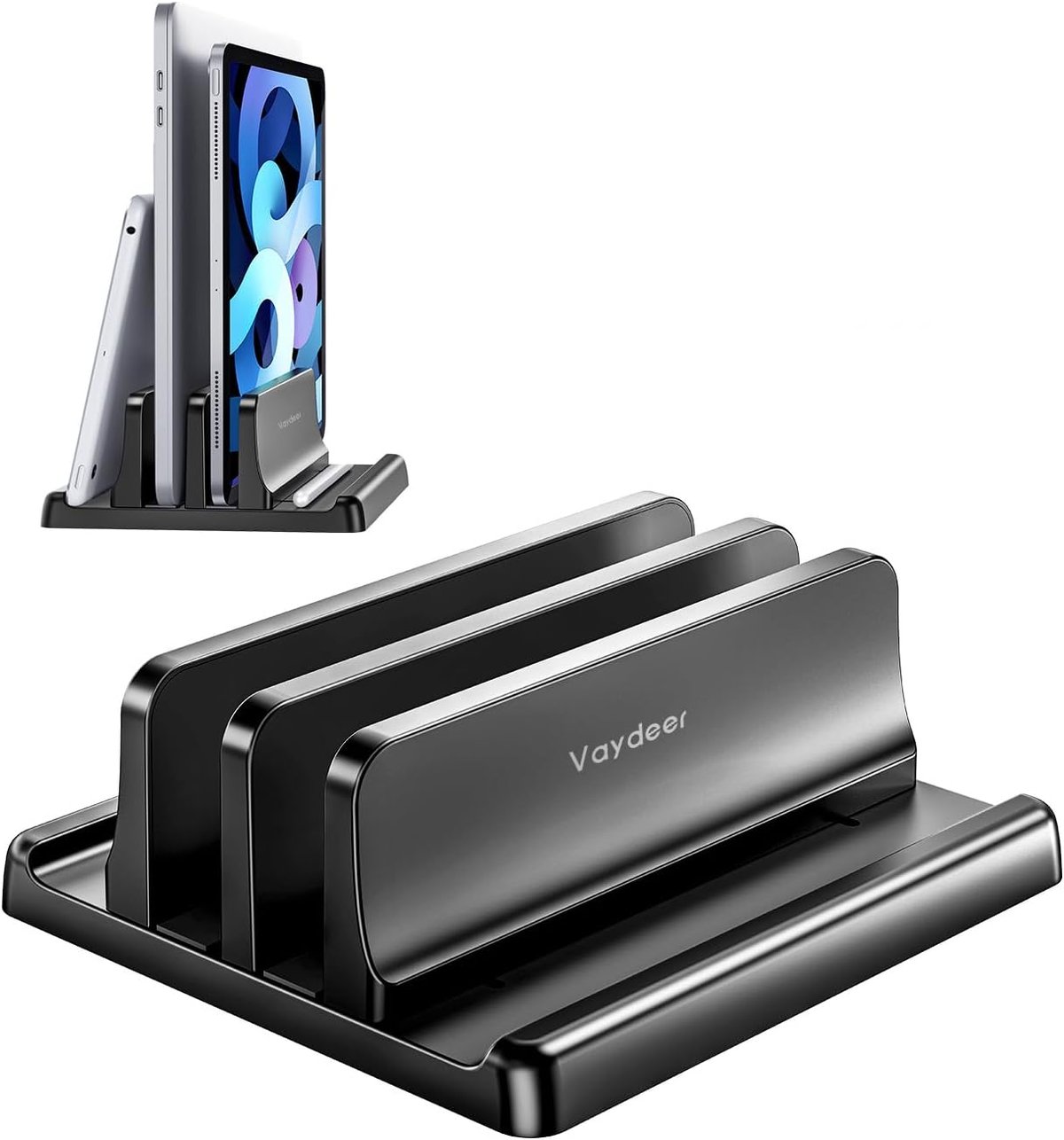
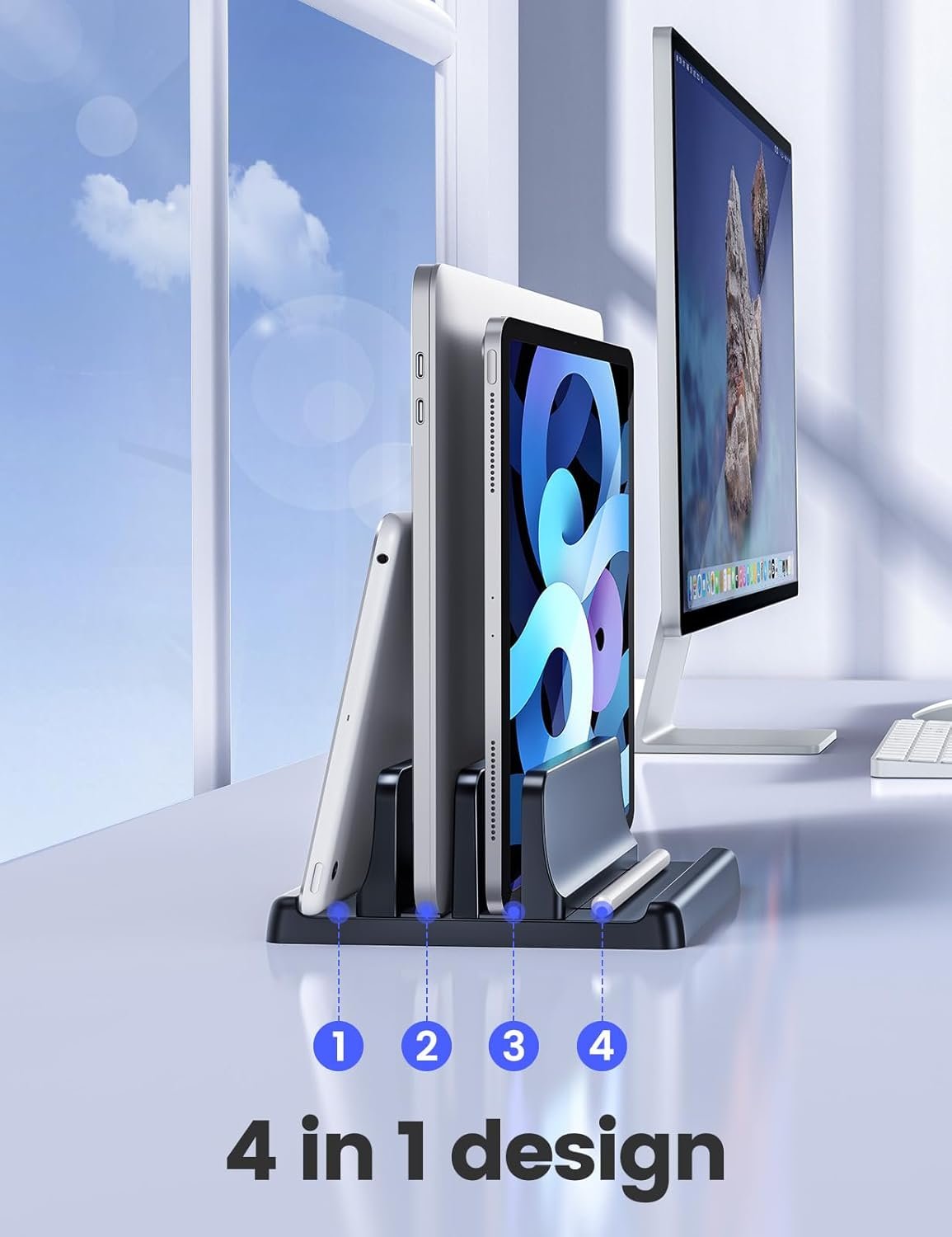
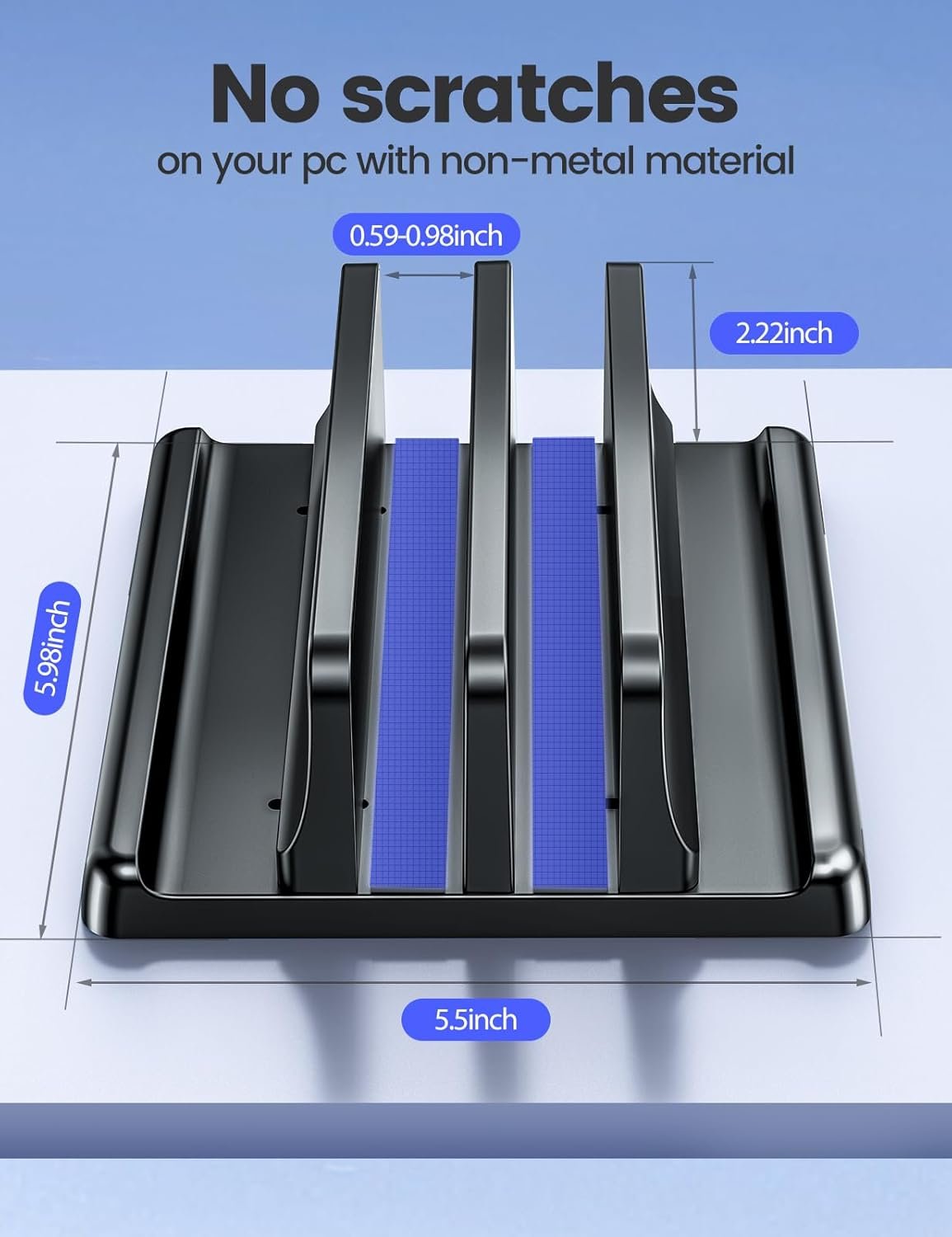
The Vaydeer Vertical Laptop Stand is a budget-friendly option for keeping one or two laptops upright on your desk, freeing up workspace for paperwork, a second monitor, or just less clutter. However, it's a plastic construction in a fairly compact size, which may not suit everyone. If you're running larger laptops (17-inch workstation models), need something more robust for a permanent office setup, or want metal construction that handles heat better during docked operation, you might find better value elsewhere. Availability can also fluctuate with budget accessories, so knowing your alternatives means you're never stuck waiting when you need to get organised.
Alternative 1: Aluminium vertical laptop stands
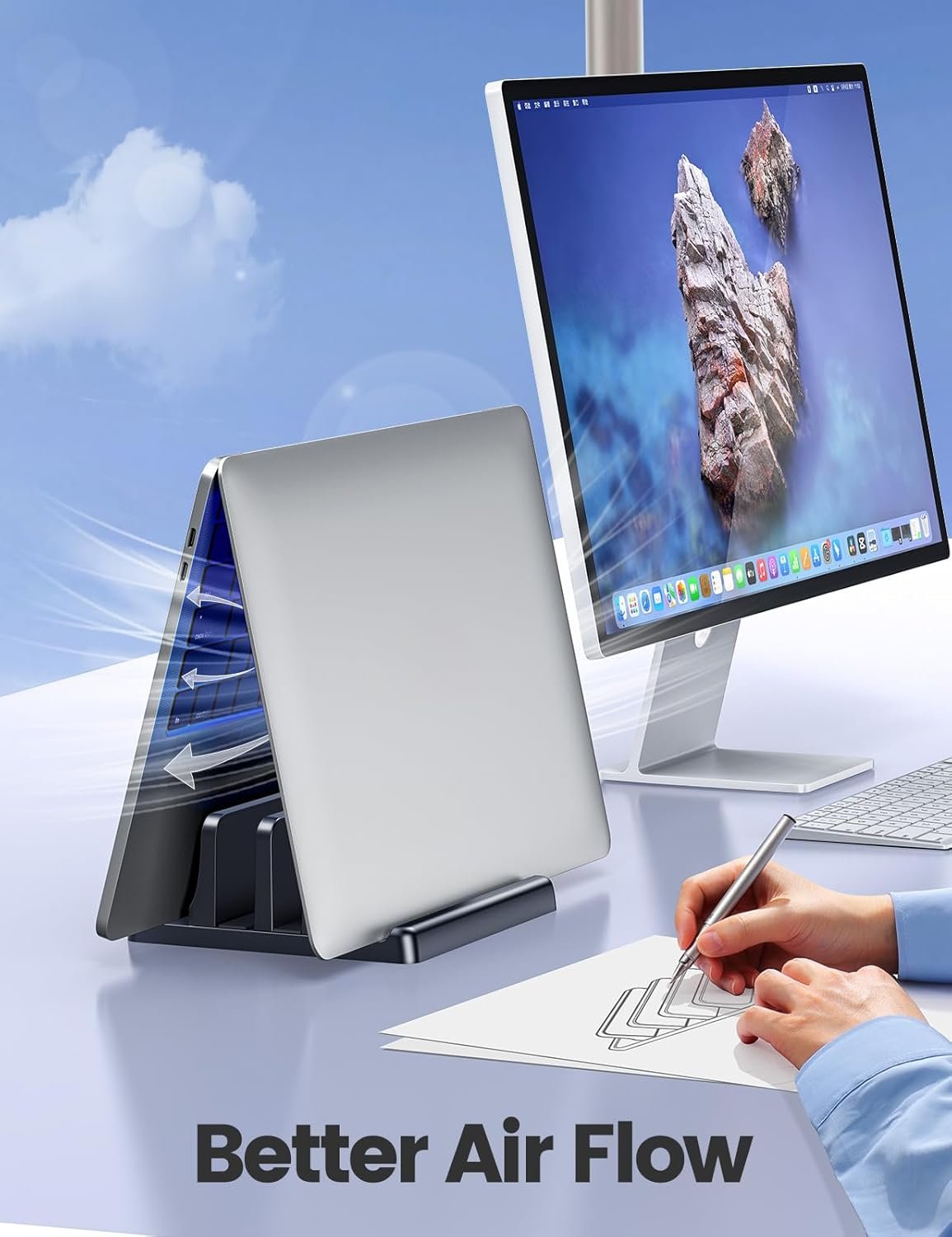
Aluminium stands represent the next step up in build quality from plastic options. They typically offer better heat dissipation — useful if you run your laptop closed while connected to external monitors, which many tradies do in their home office or site office setup. The added weight also means the stand stays put when you're pulling cables in and out.
When to choose it
- You dock your laptop closed and run it hard with external displays
- You want something that looks professional in a client-facing office
- You prefer a heavier, more stable base that won't slide around
The tradeoff
Aluminium stands typically run $30–$60 AUD for decent quality, roughly double to triple the Vaydeer's price. Some budget aluminium options skimp on the adjustable width mechanism, so check reviews for your specific laptop thickness. They're also heavier to move between sites if you're not permanently set up.
Alternative 2: Wooden or bamboo desktop stands
For small business owners who care about office aesthetics — particularly those in client-facing roles like bookkeepers, consultants, or architects — wooden and bamboo vertical stands offer a cleaner, more natural look. They're often handmade or semi-custom, and some Australian makers produce local options.
When to choose it
- Your workspace doubles as a meeting area where clients see your setup
- You prefer sustainable materials over plastic
- You want something that matches timber desk furniture
The tradeoff
Wooden stands are typically fixed-width or come in specific sizes, so you need to measure your laptop carefully before buying. They're also less forgiving if you switch between different laptops regularly. Expect to pay $25–$50 AUD for mass-produced bamboo options, more for artisan pieces.
Alternative 3: Multi-device docking stations with integrated stands
If desk space is your main concern, consider whether a docking station with built-in vertical laptop support might kill two birds with one stone. Products from brands like Anker and Belkin combine USB-C hub functionality with a stand that holds your laptop upright while it's connected. This reduces cable clutter significantly.
When to choose it
- You're already planning to buy a USB-C dock for external monitors and peripherals
- You want a single-cable connection to your desk setup
- You hate cable management and want the cleanest possible desk
The tradeoff
These combination units start around $80–$150 AUD and go up from there for Thunderbolt compatibility. They're overkill if you just need somewhere to park your laptop, and they lock you into a specific connection standard. If your laptop changes, your dock might not work with the replacement.
Alternative 4: DIY or 3D-printed solutions
For the genuinely budget-conscious or those with access to a 3D printer (increasingly common in trade workshops for prototyping brackets and fixtures), printable laptop stand designs are freely available online. Some tradies also knock together simple timber stands from offcuts.
When to choose it
- You've got a 3D printer sitting idle or scrap timber lying around
- You want an exact-fit solution for an unusual laptop size
- You enjoy the satisfaction of making your own gear
The tradeoff
Time is money. A printed stand takes hours to produce, and a timber one takes measuring, cutting, and finishing. The Vaydeer costs under $20 and arrives ready to use. Unless you genuinely enjoy the project, your hourly rate probably makes buying the smarter choice.
Side-by-side comparison
| Option | Best for | Typical price (AUD) | Watch out for |
|---|---|---|---|
| Vaydeer Vertical Stand (plastic) | Budget dual-laptop storage, light use | $13–$20 | Plastic construction, smaller footprint may not suit 17" laptops |
| Aluminium vertical stand | Docked operation, heat management, durability | $30–$60 | Heavier, pricier, check width adjustability |
| Wooden/bamboo stand | Client-facing offices, aesthetic preference | $25–$50+ | Often fixed-width, less adjustable |
| Docking station with stand | Single-cable desk setups, reduced clutter | $80–$150+ | Expensive, tied to connection standard |
| DIY/3D-printed | Custom fits, existing equipment, hobbyists | $0–$15 (materials) | Time cost, variable quality |
Our pick for most tradies and small businesses
For most small business owners and tradies setting up a basic home office or site office, the Vaydeer is genuinely hard to beat at its price point. It does the job — keeping your laptop upright, freeing up desk space, storing a second device — without fuss. If you're running your laptop closed as a desktop replacement and pushing it hard with external monitors, spend the extra on an aluminium stand for better heat management. If your office faces clients and aesthetics matter, consider bamboo. But if you just need somewhere practical to park your laptop between jobs, the Vaydeer at under $20 is the pragmatic choice. Save your money for tools that actually make you money.